Push Pull App Review: A Smart Strength Training Companion
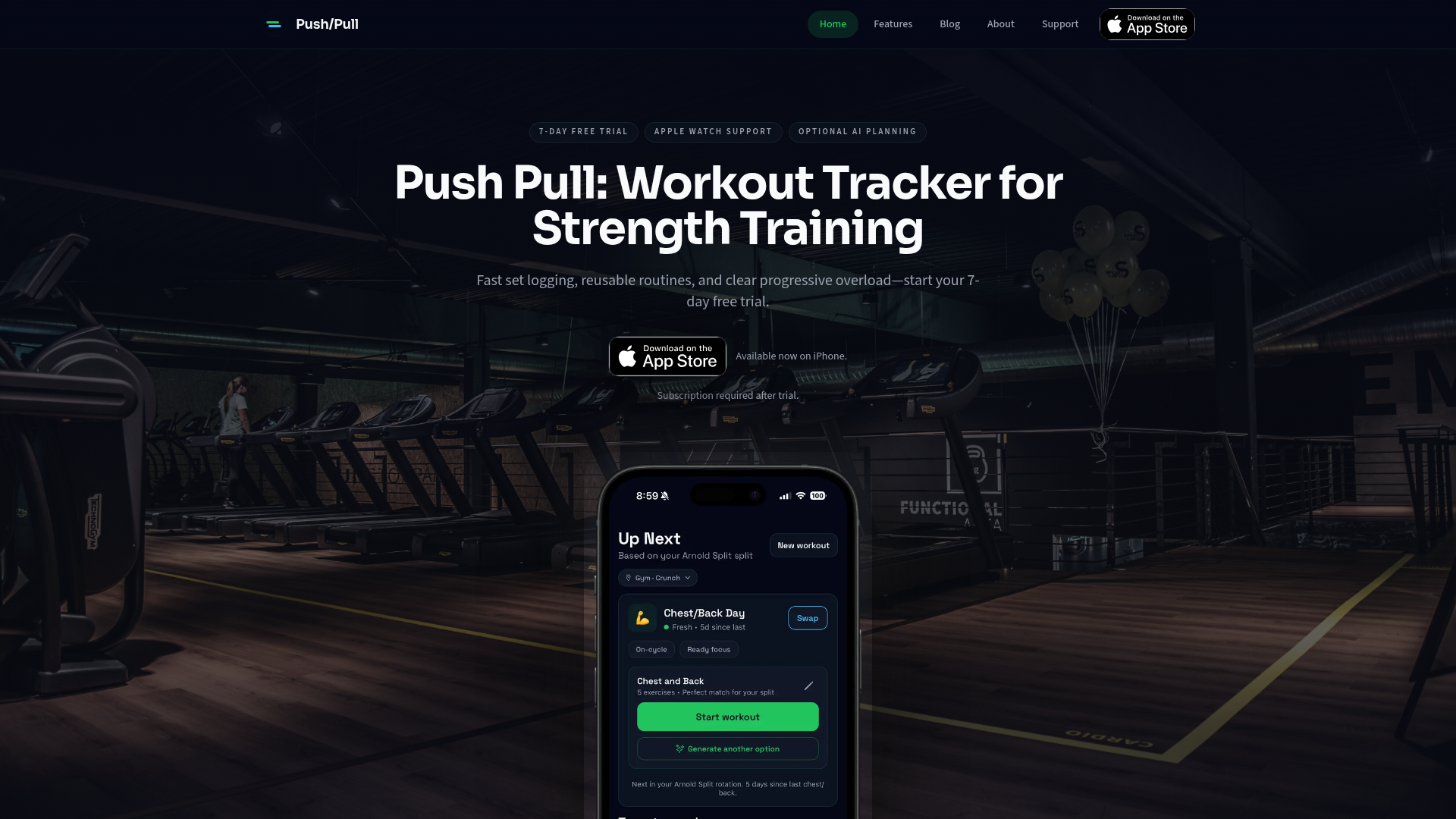
The Push Pull app is a dedicated strength training tracker focused on streamlining workout logging and clarifying progressive overload. With features like fast set logging, reusable routine templates, and optional AI planning, it aims to provide a clutter-free experience for consistent lifters. It caters specifically to those who prioritize structured strength and hypertrophy training.
Screenshots
Score Breakdown
Key Features
- Fast Set Logging
- Reusable Routine Templates & Customization
- AI Workout Generator & Progressive Overload Suggestions
- Advanced Analytics & Progress Tracking
- Apple Watch Support & iOS Integrations
- Recovery & Readiness Indicators
- Social Squads for Accountability
Our In-Depth Review
Overview
The Push Pull app positions itself as an essential tool for strength trainers, emphasizing efficient workout logging and clear progressive overload. Developed for busy lifters, it aims to cut through the noise with a clean interface and robust features. Available exclusively on iOS, Push Pull offers a 7-day free trial, followed by a subscription model. The app's core philosophy revolves around making consistent, data-driven strength progression accessible and straightforward for its users.
What is Push Pull?
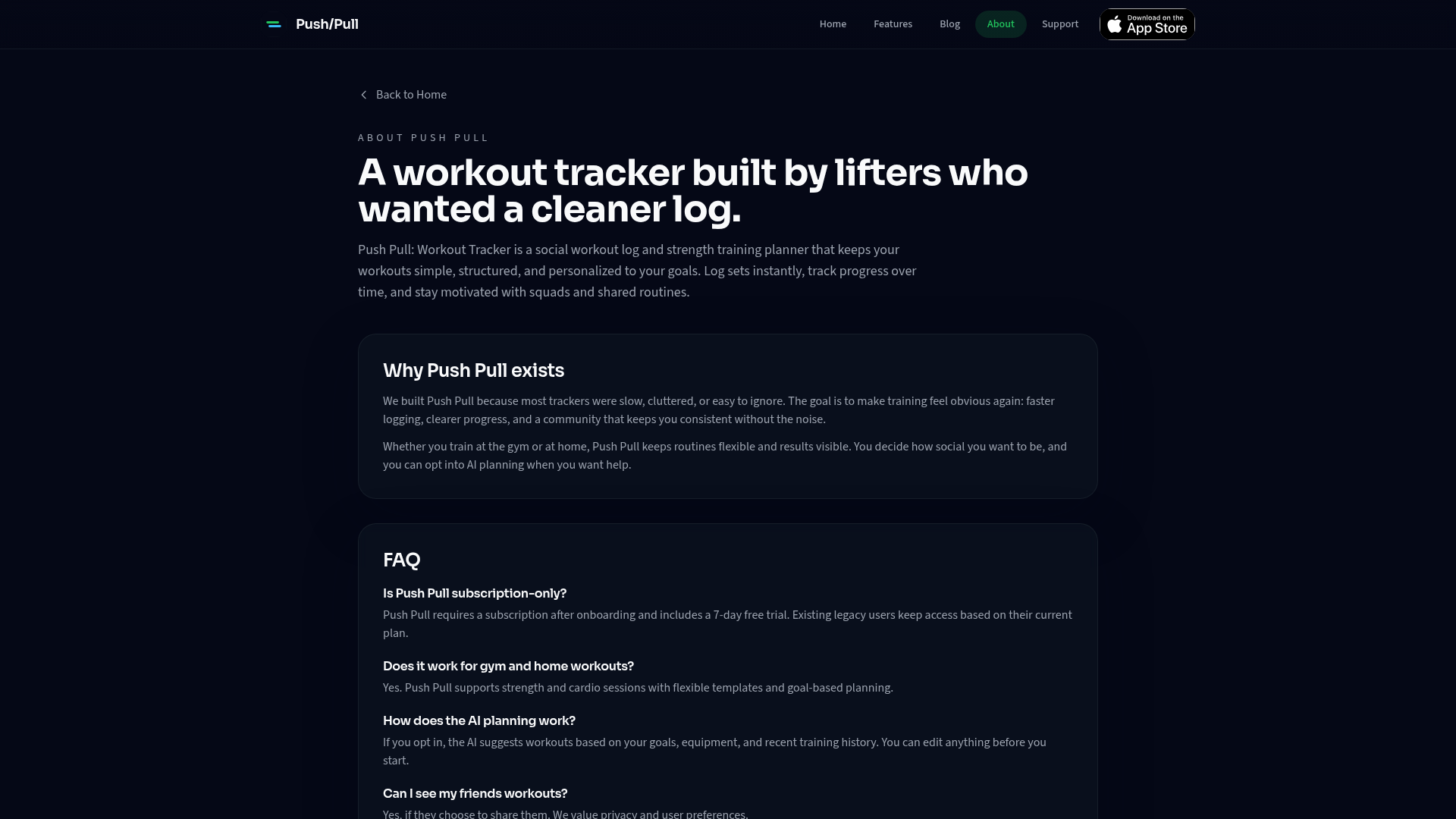
Push Pull is a workout tracking application specifically designed for strength and hypertrophy training. It provides tools to log sets quickly, create and reuse workout routines, and visually track progress over time. Beyond basic logging, it incorporates advanced features such as an AI workout generator, progressive overload suggestions, and detailed analytics to inform and optimize training decisions. Its integration with Apple Watch and other iOS functionalities further enhances its usability for dedicated iPhone users.
Key Features
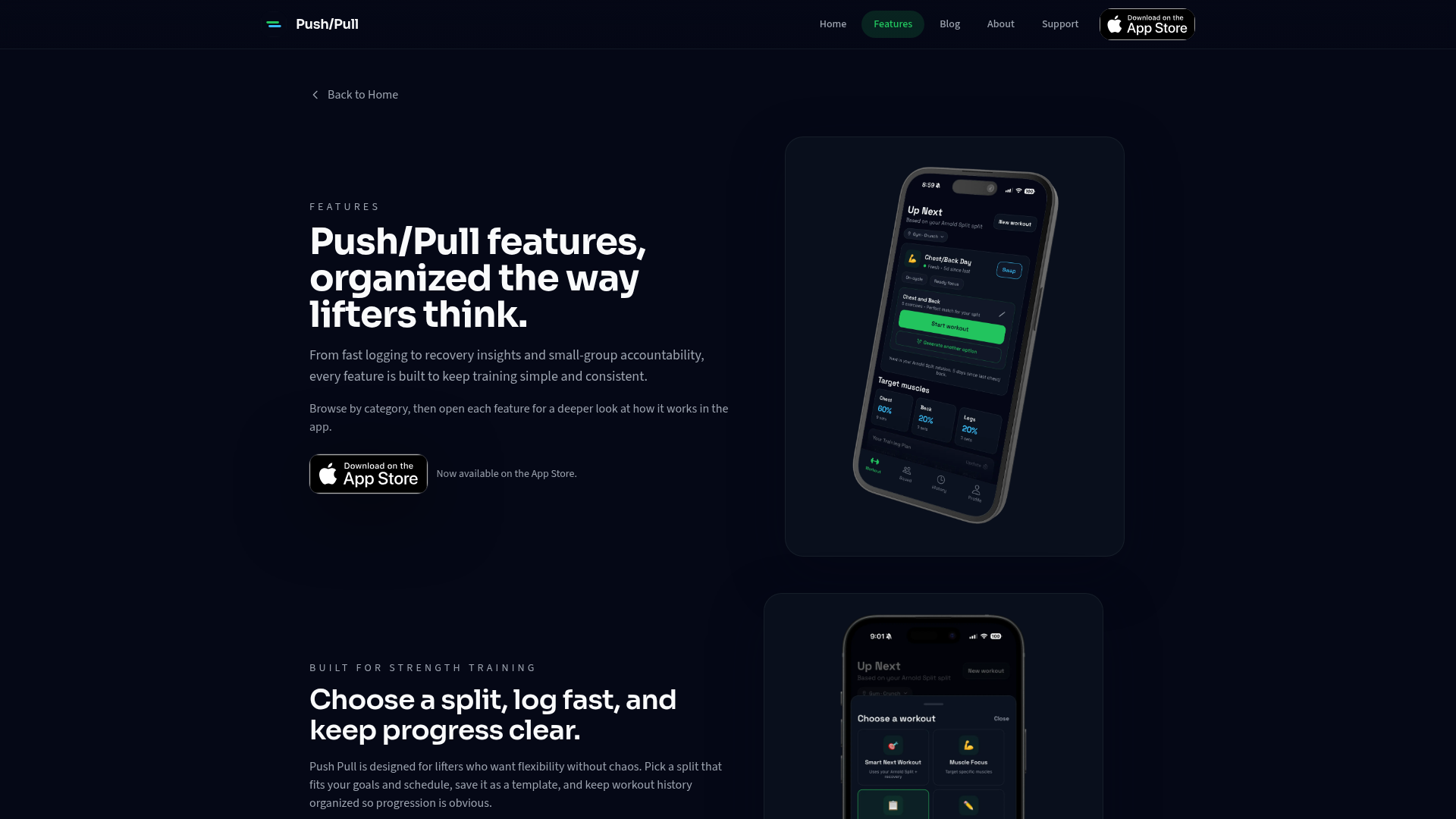
Push Pull boasts a comprehensive suite of features tailored for the serious strength trainer:
Fast and Intuitive Workout Logging
One of the app's standout features is its "fast set logging." It prioritizes efficiency, allowing users to log sets with minimal taps. Previous workout values are conveniently displayed, reducing the effort needed to input data and maintaining the flow of the workout. The clean interface ensures users stay focused on their training rather than getting bogged down by the app itself. The inclusion of RIR (Reps in Reserve) and RPE (Rate of Perceived Exertion) tracking further enhances the precision of logged effort.
Intelligent Routine Management and Customization
The app offers "split-ready templates" for popular training methodologies like Push/Pull/Legs (PPL), upper/lower splits, and full-body routines. Users can save these templates and reuse them, simplifying workout planning. The ability to customize routines, swap exercises, and add custom movements ensures flexibility, adapting to individual preferences and changes in available equipment or training goals. Template sharing links also facilitate easy communication of routines.
AI-Powered Planning and Progressive Overload
Push Pull integrates AI capabilities to assist with workout planning and ensure progressive overload. The "AI Workout Generator" can create full workouts based on user goals and available equipment. "Progressive Overload Suggestions" provide smart weight bumps when the user is ready, helping to consistently challenge muscles and drive adaptation. The app also offers "starting weight suggestions" for new exercises, reducing guesswork.
Comprehensive Progress Tracking and Analytics
The app excels in visualizing progress. It provides clear insights into personal records (PRs), training volume, and trends across weeks and cycles. Features like a workout history calendar, streaks, weekly goals, and session recaps keep users motivated and informed about their consistency and achievements. "Advanced Analytics" delve into muscle group balance, volume, and frequency, offering a deeper understanding of training efficacy. The inclusion of progress photos allows for visual tracking of physical changes over time.
Recovery and Readiness Indicators
Understanding the importance of recovery for optimal performance, Push Pull incorporates features like a "Recovery Body Map" to visualize fatigued muscles, "Muscle Readiness Scores" for smarter program adjustments, and "Rest Day Recommendations" to suggest when recuperation is paramount. "Fatigue Trends" help users monitor training load and recovery over time, preventing overtraining and supporting sustainable progress.
Seamless iOS and Apple Watch Integration
For Apple users, Push Pull offers exceptional integration. Its dedicated Apple Watch app allows for quick glanceable controls and timers, minimizing phone interaction during workouts. Further iOS integrations include Apple Health Sync, home screen widgets for streaks, and Live Activity for real-time workout stats on the lock screen and Dynamic Island. This ensures a cohesive and convenient user experience within the Apple ecosystem.
Who Is It For?
Push Pull is ideally suited for individuals who are serious about strength training and hypertrophy. This includes:
* Intermediate to Advanced Lifters: Those who understand the principles of progressive overload and are looking for a highly efficient tool to track and optimize their training.
* Data-Driven Athletes: Individuals who appreciate detailed analytics, volume tracking, and personalized insights into their performance and recovery.
* Users within the Apple Ecosystem: Given its strong iOS and Apple Watch integration, it's particularly beneficial for those who use these devices extensively for their fitness tracking.
* Individuals Seeking Structure and Customization: Users who want to build and reuse specific workout routines while retaining the flexibility to make custom adjustments.
It may be less suitable for absolute beginners who require more foundational guidance on exercise form or those interested in a wider variety of fitness modalities beyond pure strength training.
Final Verdict
Push Pull presents a compelling offering for its target audience. It meticulously addresses the needs of strength trainers by providing excellent tools for logging, planning, and progress tracking. The app's commitment to a streamlined user experience, coupled with intelligent AI features and robust data visualization, makes it a powerful ally in the pursuit of strength and muscle gain.
While its subscription model might be a consideration for some, the value proposition is strong for those who will leverage its full suite of features consistently. The absence of real-time form feedback is a minor drawback, but it doesn't detract significantly from the app's core strengths. For anyone dedicated to progressive strength training on an Apple device, Push Pull is undoubtedly one of the best options available.
Our Verdict
The Push Pull app is a dedicated strength training tracker focused on streamlining workout logging and clarifying progressive overload. With features like fast set logging, reusable routine templates, and optional AI planning, it aims to provide a clutter-free experience for consistent lifters. It caters specifically to those who prioritize structured strength and hypertrophy training.
Visit WebsiteExplore More
Quick Facts
Pros
- Intuitive and fast workout logging experience
- Comprehensive progress tracking with clear metrics
- AI features offer smart planning and adaptive programming
- Strong emphasis on progressive overload principles
- Excellent iOS integration including Apple Watch
- Templates for various splits and custom exercise options
- Recovery tracking adds a valuable dimension to training
Cons
- Subscription-only after free trial
- Primarily focused on strength training, less suitable for other modalities
- AI coaching lacks real-time form feedback
- Social features might not appeal to all users
Ready to give this app a try?
Visit Website